About
Bwee is for builders
Organize your agents and build your own UI to fit exactly how you work.
Work that never loses its place
Every task keeps its Claude Code session alive. Run several at once, step away, and come back days later to find each one exactly where you left it, full context intact.
Views you build by chatting
When a terminal isn't the right shape for the work, ask Claude for a view and it builds one beside the conversation. A dashboard, a tracker, a map, shaped to how you work.
One app where your other tools used to be
A view can be whatever the work needs. The same Bwee stands in for an editor, a notes app, and a dashboard.
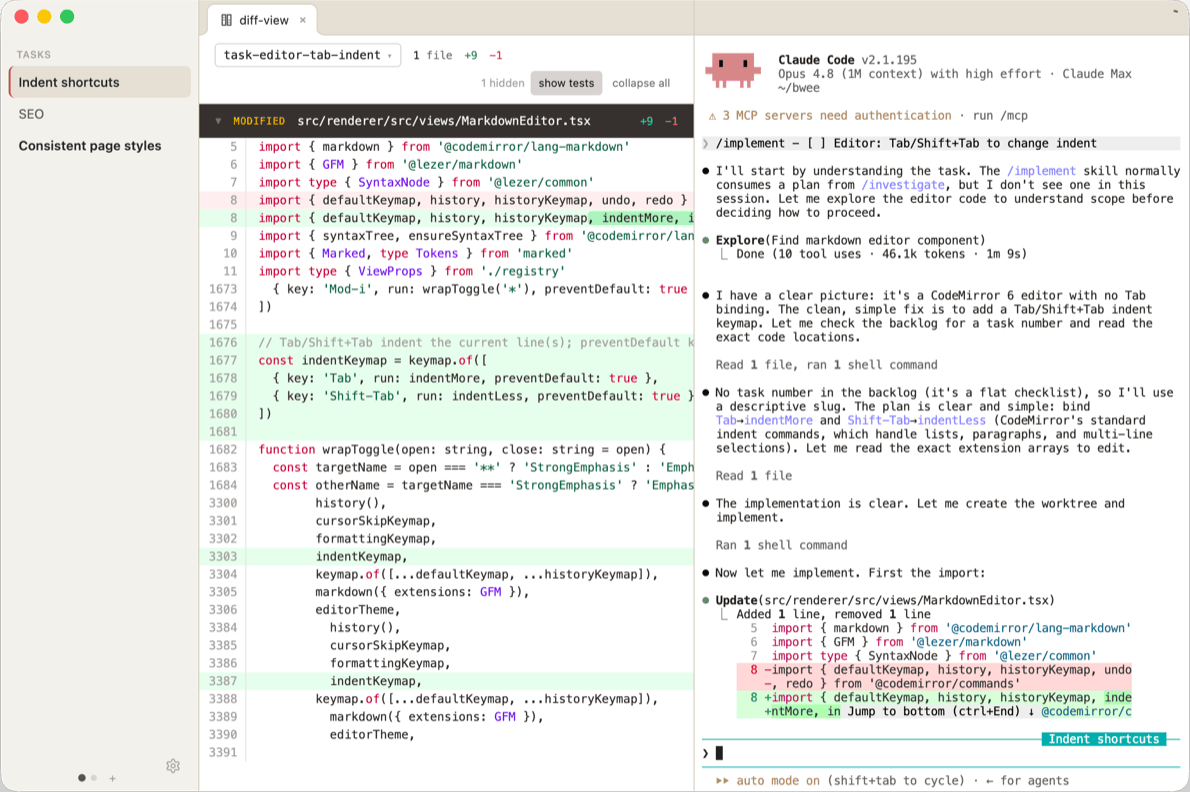
Your editor
in place of VS Code or Cursor
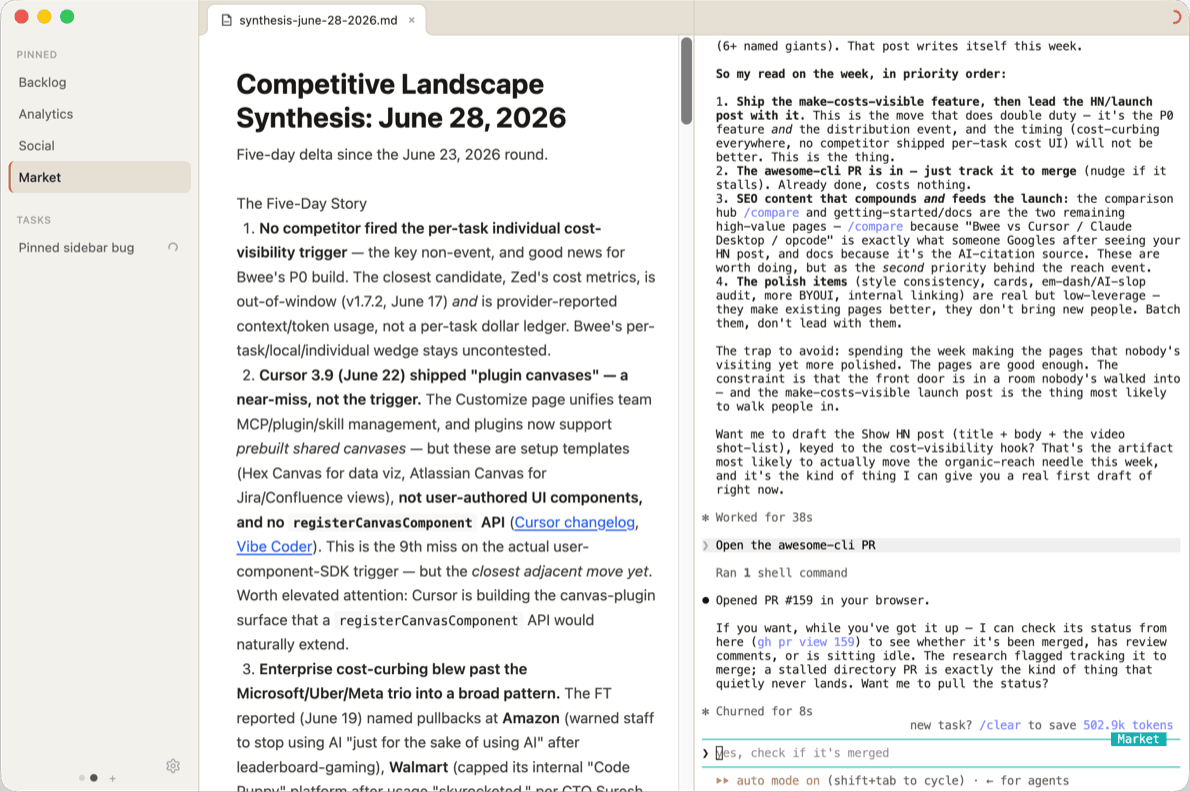
Your notes
in place of Obsidian
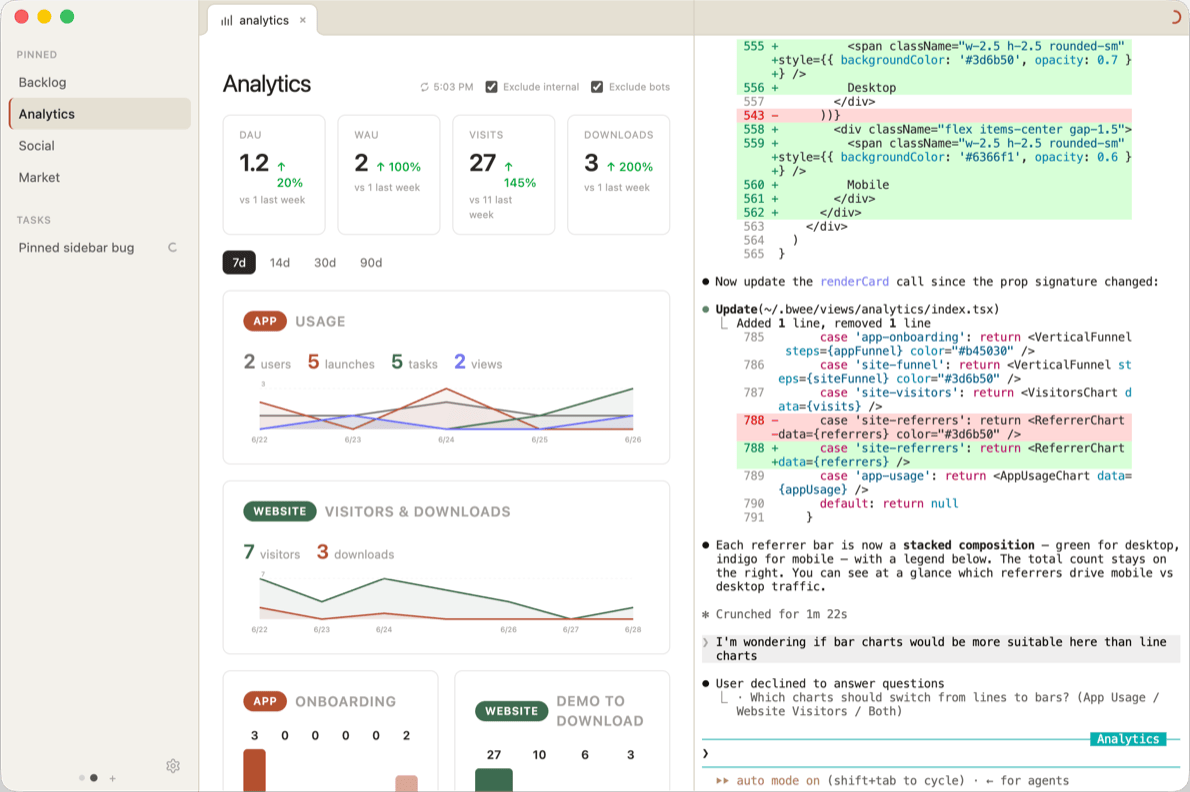
Your dashboards
in place of Claude Desktop
It's all the same Bwee. Each surface is just a view you asked for.
How Bwee came to be
I built Bwee to solve my own pain points at work.
For a long time I was an AI skeptic. I thought software was a craft a model could never really touch. Then that stopped being true, fast. I went all-in on building with agents.
Then I started losing track of them. Claude Code sessions were scattered across terminals, and I grew tired of restating my project's context for each new task. That sent me to Obsidian, where it clicked how much leverage persistent context gives an agent. That was the gamechanger. I wrote a plugin to keep my sessions alive, then built a small app around managing AI work as tasks.
Markdown ran out of room quickly. A session isn't a document. It wants a dashboard, a diff, a map. So I added a way to author custom views, well before that became something everyone offered.
Now I run my whole workday inside Bwee. It has replaced my editor, my notes app, my chat client, and most of the other frontends I used to keep open. If that sounds like how you want to work, the getting-started guide is the fastest way in.